
Contact the NSPCC Helpline
You can contact our Helpline by calling 0808 800 5000 between 10am and 4pm, Monday to Friday, or by emailing [email protected] between 11am and 4pm, seven days a week. If you send an email when the service is closed, it won't be received, and we won't know that you've tried to get in touch.
If we have not yet responded to you and your concerns for the safety of a child increase, please contact the police or local Children’s Services directly. Please be assured that we'll action all contacts that our Helpline receives.

Under 18?
Childline offers free, confidential advice and support whatever your worry, whenever you need help.
Sport and online safety

From sharing photos of your child's sporting moments online to the use of AI for sport performance, we can help you to keep your child safe online throughout their sporting journey.
How can a sports club keep your child safe online?
What a club should do
- make their online presence a welcoming community for all young people
- assess the risk of all online platforms and put actions in place to reduce risks
- use strong privacy, password and moderation
- set clear rules on what platforms and devices should be used and what behaviours are acceptable
- set clear rules around which images and videos are OK for sharing
- make sure everyone understands the club rules and follows them
- make sure everyone knows how to report online safety concerns and that these reports are acted on
- make sure all staff and volunteers are trained on online safety and feel confident in managing platforms or spotting concerns
- seek parental consent to store and process your child's personal details, images, video and health/performance information
- keep you up-to-date on any changes to devices, platforms or AI being used
- give you the opportunity to refuse or withdraw consent without affecting your child's ability to take part
What a club shouldn't do
- communicate privately with your child
- use any platform that has not been authorised by the club
- ignore any worries reported on online safety
- ignore any hate, bullying or discrimination online that targets a member of their club
- take or share images of your child without your consent or your child's consent
- take images of your child that make them feel uncomfortable
- treat you or your child differently if you decide not to share images of your child on their website or social media
- use platforms that are not age-appropriate for members of the club
- use platforms without assessing risk first
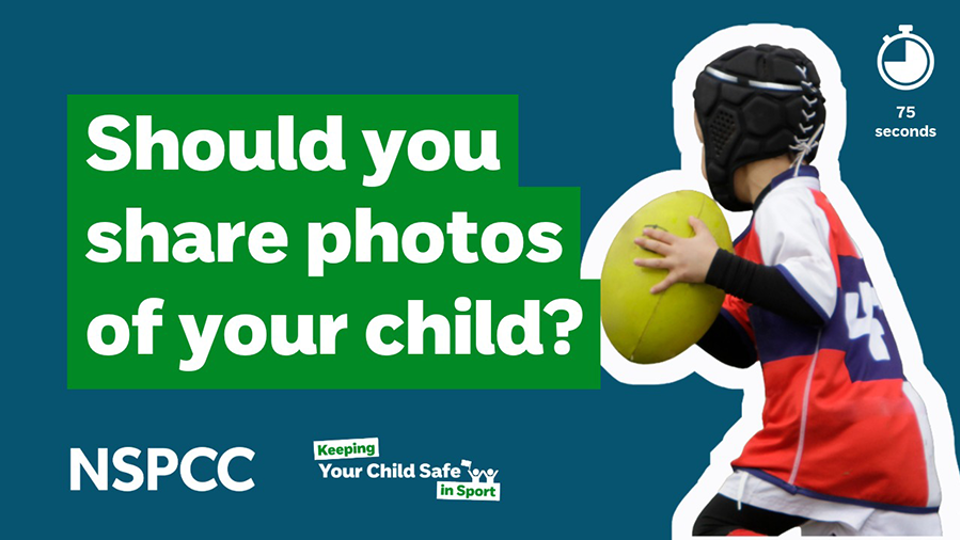
Should you share photos of your child in sport online
Wanting to share photos and videos of your child’s greatest sport moments is understandable. But before sharing photos online, there are a few things you can do to keep them safe.
For example, check the image doesn’t reveal personal details, think about who can see and reuse it, and decide whether private sharing would be safer.
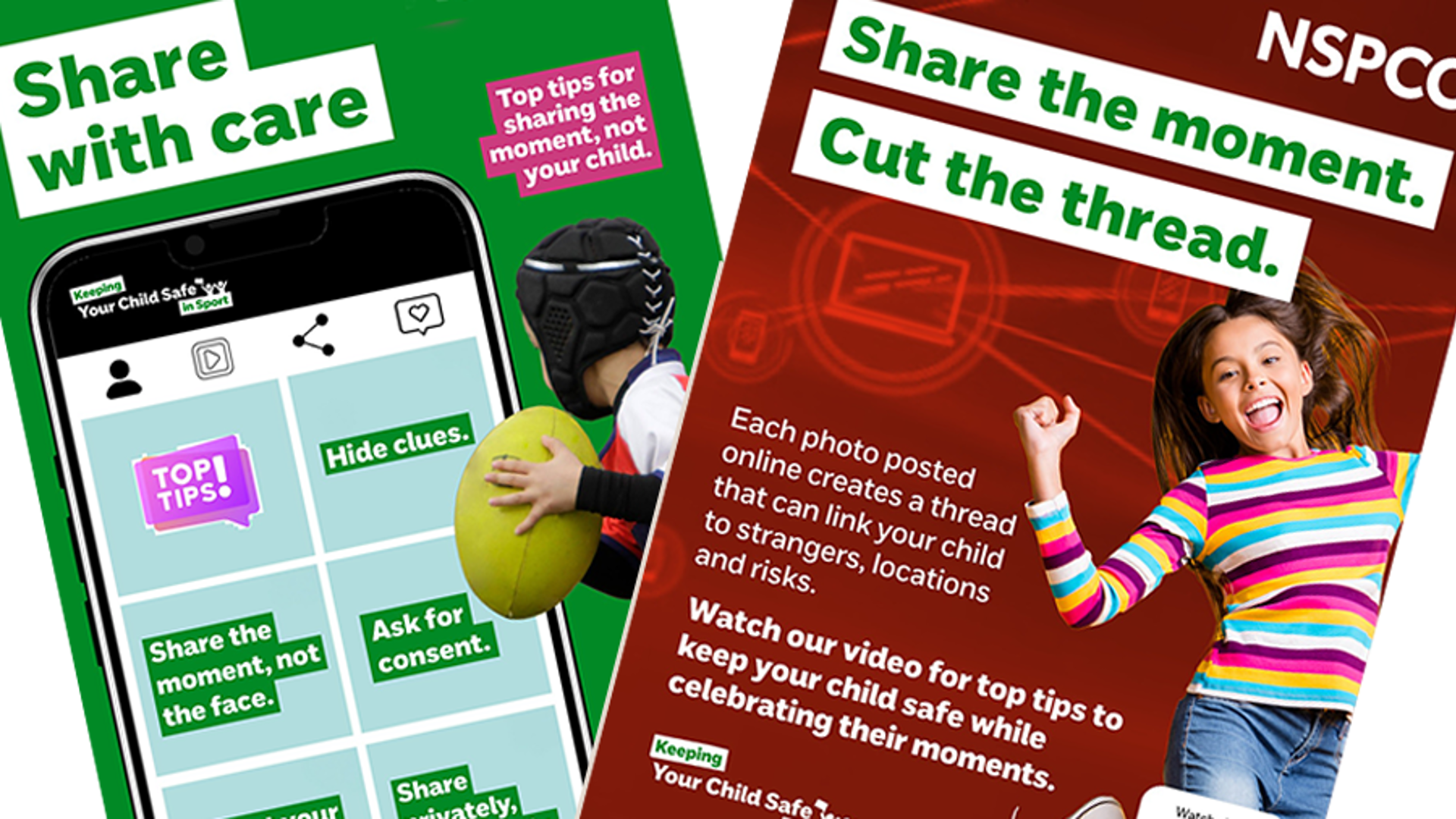
Every photo or video posted online creates a digital thread. A picture of your child at football, gymnastics or swimming can sometimes reveal where they are and their regular routine without you realising it.
Images can be reshared or misused, including by people you don’t know. Some children in your child’s sport may need extra privacy because of safety concerns or difficult family situations. Or your family and friends may not be as careful with their privacy settings.
- Ask yourself if you need to post it publicly, or if you could share it privately with people you know and trust.
- Look closely at the background for badges, signs, school uniforms, number plates or anything that gives away where your child is.
- Don’t include full names, team names, ages, school details or regular training times in your caption.
- Have you asked whether your child is happy for the image or video to be shared?
- Check your privacy settings before you post to limit who will be able to see it.
- Remember that once something is online, it’s no longer in your control.
- Choose photos that show the activity and focus on celebrating the moment without including too much personal detail.
- Turn off location settings and avoid tagging venues.
- Use a private group or direct message if you only want to share with family and friends.
- Stick to first names only.
- Check older posts from time to time and remove anything that shares more than you or your child is comfortable with.
It may be better not to share a photo or video if it shows where your child trains every week, reveals personal or sensitive information, includes other children who haven’t given consent, or if your child has asked for privacy. It’s also important to follow the club or venue photography rules. Remember that every photo shared adds to your child’s digital footprint.
AI and youth sport
AI is smart technology that helps analyse video and data, spot patterns in behaviour, and reduce club admin so coaches have more time with children.
In the UK, more clubs and governing bodies are using digital tools and AI responsibly to improve coaching and safety.
When used right, your child will hopefully receive better feedback, earlier warning signs of strain and more time from volunteers due to less admin. Parents and carers should also expect clearer communications.
- What tools are you using and why are they needed for my child?
- What data is collected? Is profiling or geolocation turned off by default?
- How do you follow UK GDPR and the Children’s Code?
- Can we opt out of non‑essential features without affecting my child's ability to take part?
- Who checks AI suggestions - does a coach always make the final call?
- How can I access or correct my child’s data, and who do I contact if I’m worried?
- How will you handle a data breach or harmful AI?
- Carry out checks on any AI tool or supplier before agreeing to use it.
- Provide clear reasons why they are using AI and explain how it works.
- Use minimum data and set privacy high (for example, no location sharing unless necessary).
- Give you the option to opt-out of non-essential features
- Keep coaches in charge of decisions – AI should be for support only.
- Offer open and clear explanations of any decisions assisted by AI.
- Make sure all staff and volunteers are trained in the responsible use of AI.
- Provide a Welfare Officer contact and a plain‑English privacy notice.
More ways to keep your child safe online


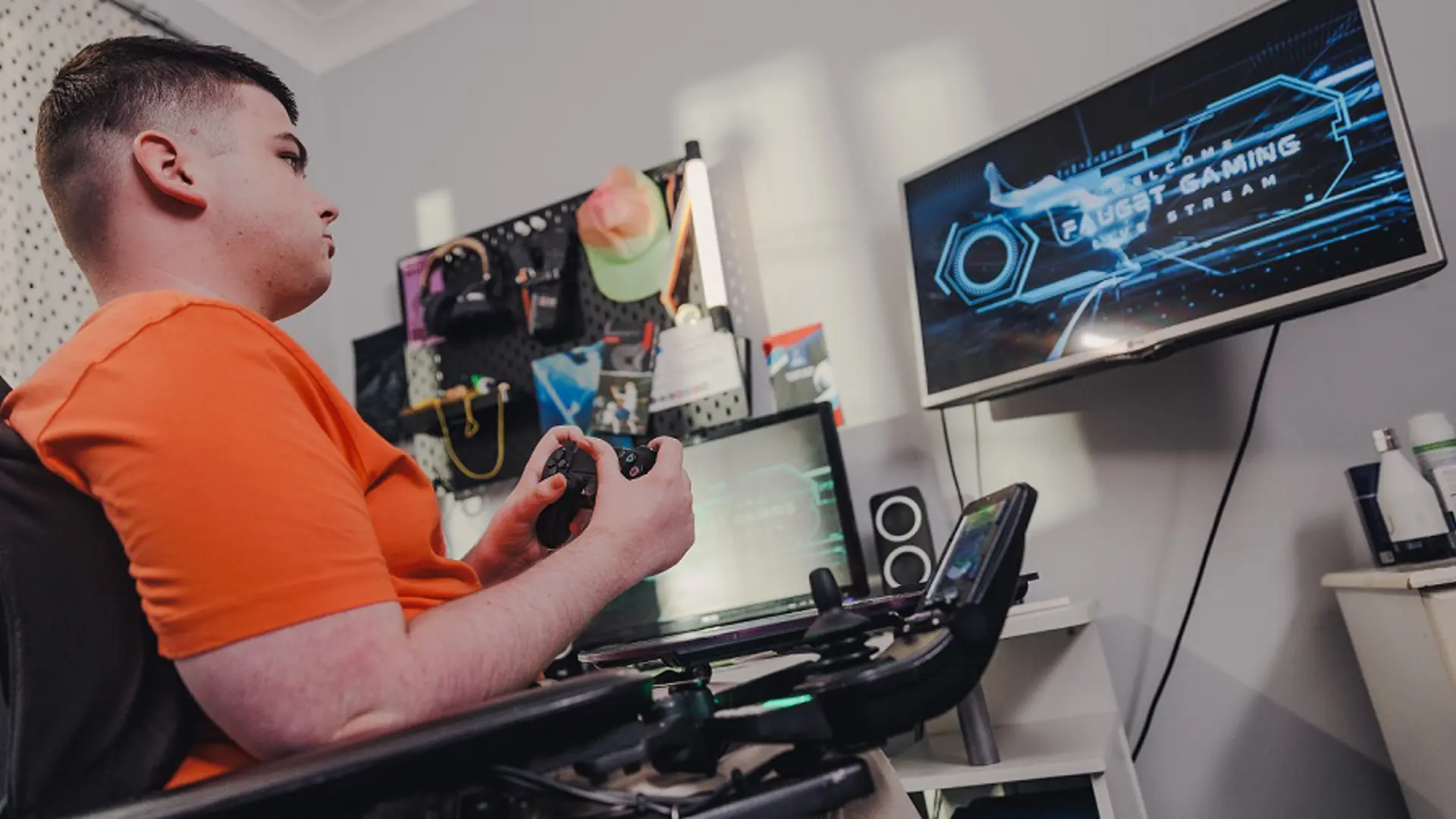

We all want children and young people to enjoy taking part in sport – and parents play a key role in that. Find out what else you can do.